

WEB3 & LORAWAN INFRASTRUCTURE

Conected Hardware for Decentralized Networks

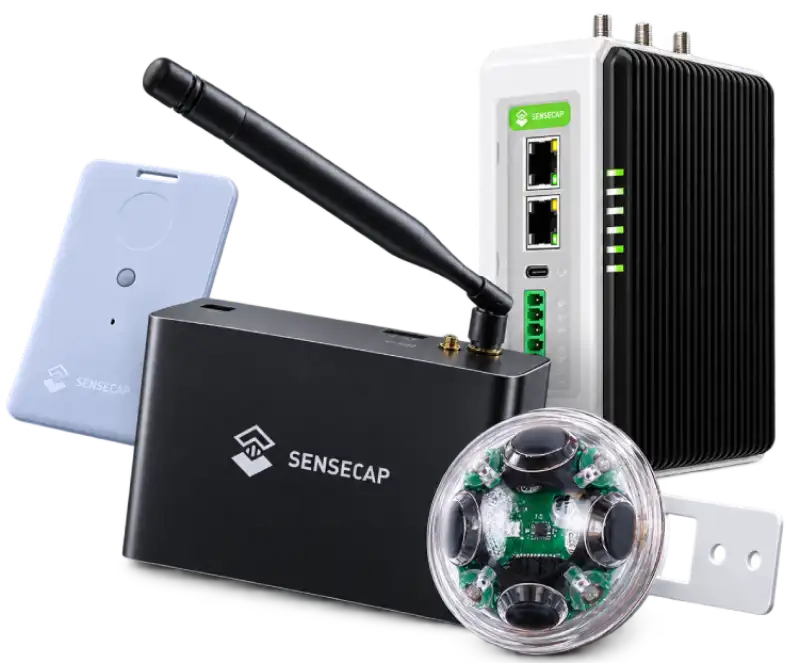
Reliable LORaWAN gateways and sensors for Helium,Flux,and other decentralized networks.

Global Shipping
1-Year Warranty
Secure Checkout
Expert Support
Conected Hardware for Decentralized Networks

Verified SpecificationsCompatibility shown
per product

Regional OptionsFrequency and
network variants

Secure CheckoutProtected order
processing

Device SupportGuides and
after-sales help

SUPPORTED ECOSYSTEMS

One Platform. Multiple Networks.

Explore compatible hardware across LoRaWAN, edge computing, privacy and community weather ecosystems.

PEOPLE-POWERED WIRELESS

SenseCAP & Helium

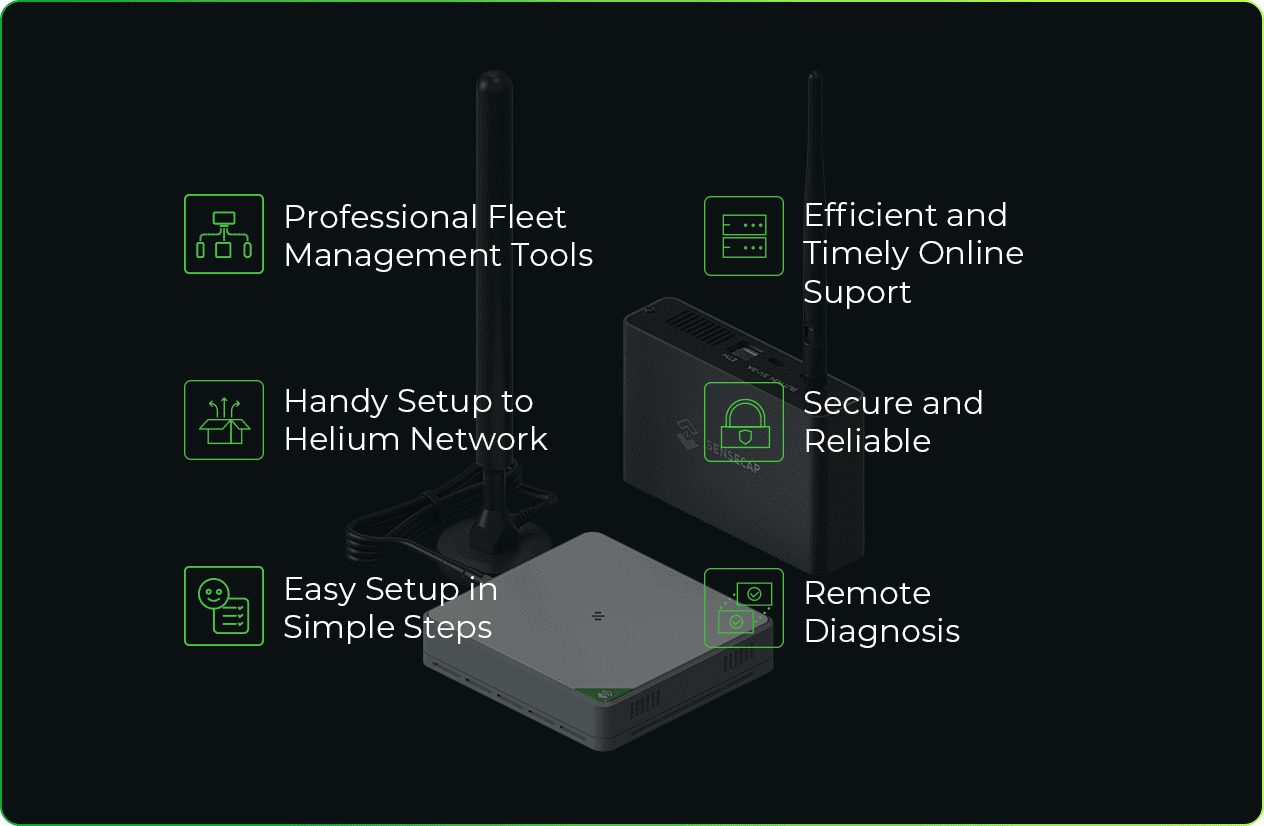
SenseCAP & Helium connected hardware

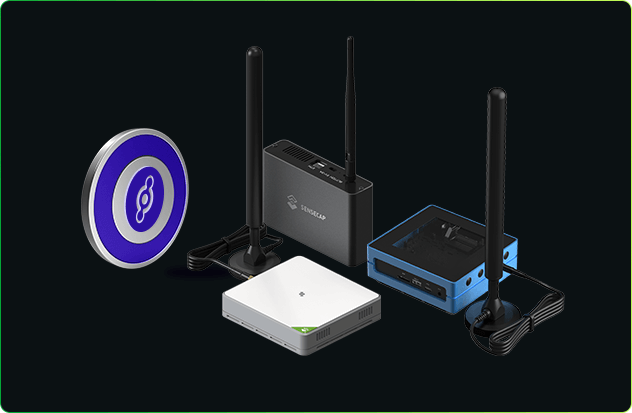
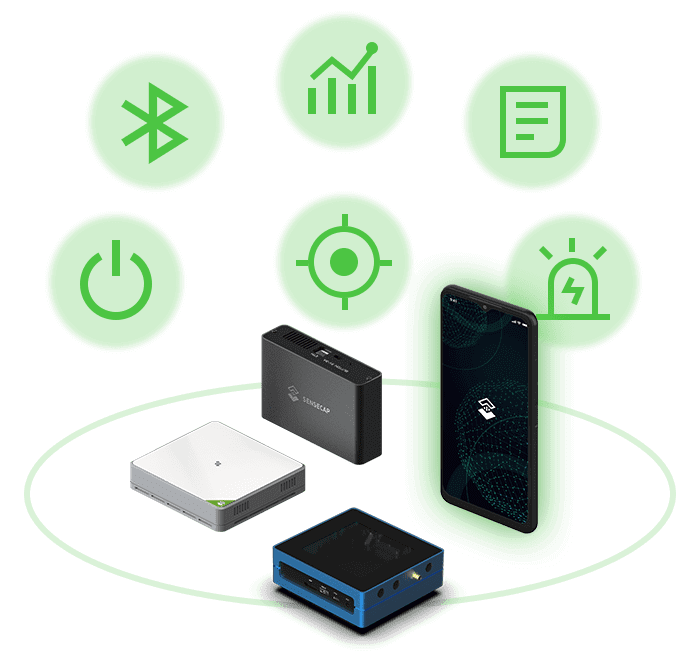
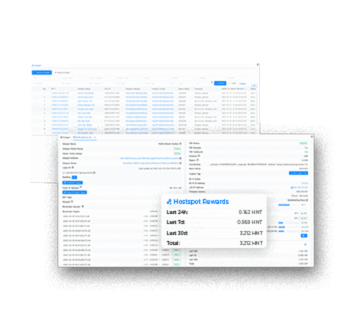
SenseCAP M1 & M2 & M4 are Helium hotspots with high-performance and rich features that help users to earn the cryptocurrency HNT. These hotspots are designed and born to build the decentralized wireless LoRaWAN® network infrastructure.

LoRaWAN® is a mark used under license from the LoRa Alliance®.Explore compatible hardware
DECENTRALIZED COMPUTE

SenseCAP & Flux

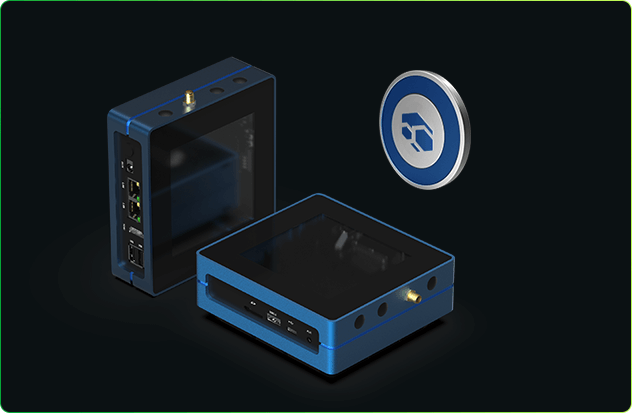
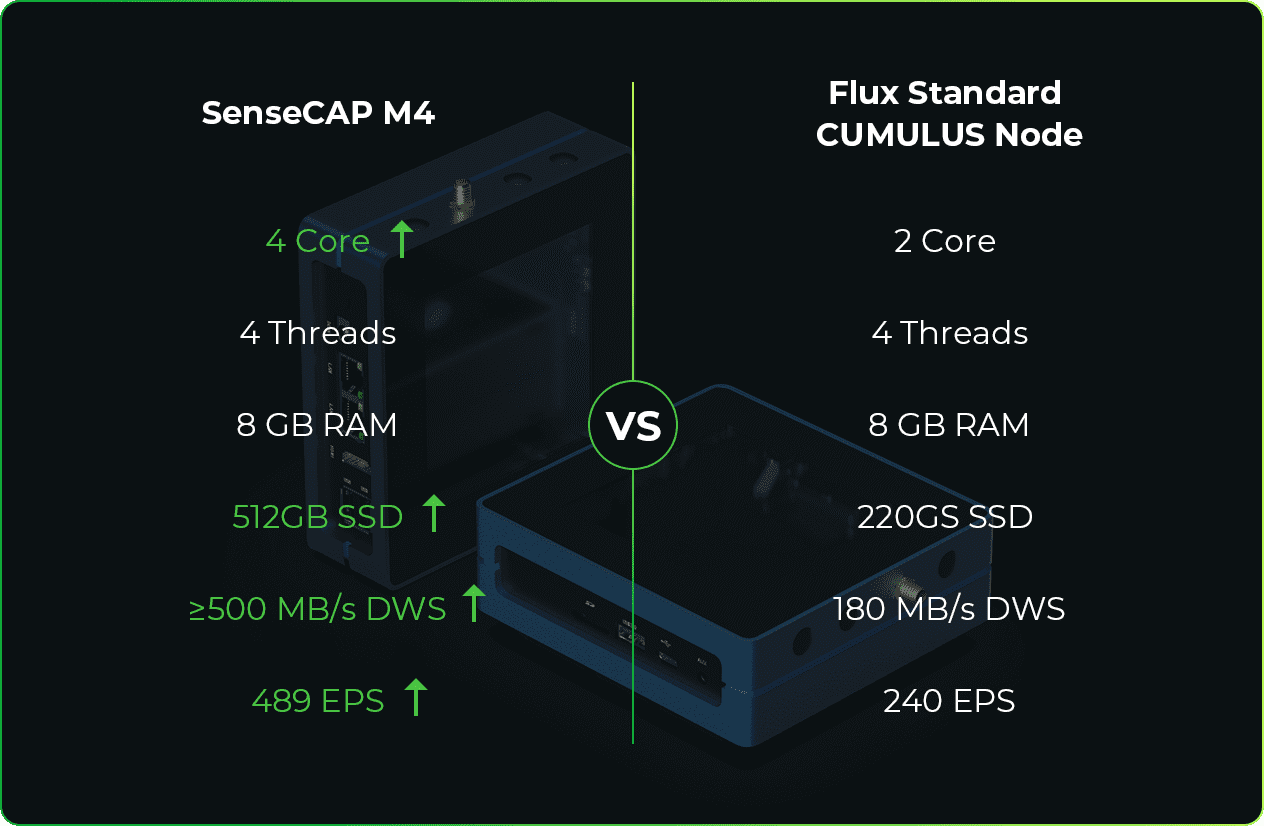
SenseCAP & Flux connected hardware

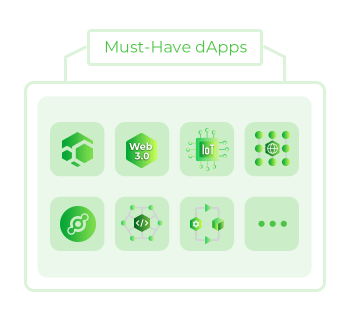
SenseCAP M4 Square can easily and quickly deploy FluxNode to provide decentralized computing resources for Flux Cloud and help build a people-powered network. M4 also supports multiple Web3 dApps, including Helium and Mysterium, giving users more ways to participate.

Explore compatible hardware
PRIVATE DECENTRALIZED ACCESS

SenseCAP & Mysterium

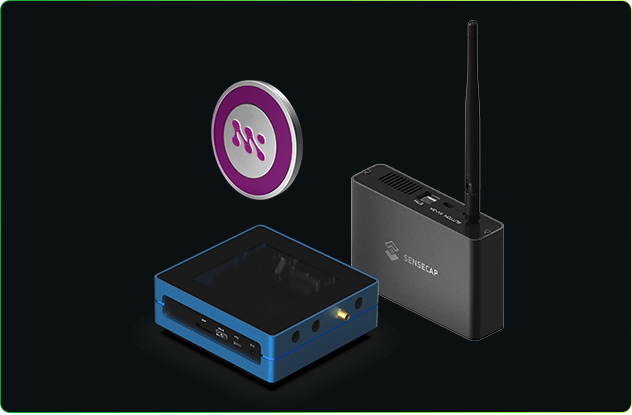
SenseCAP & Mysterium connected hardware

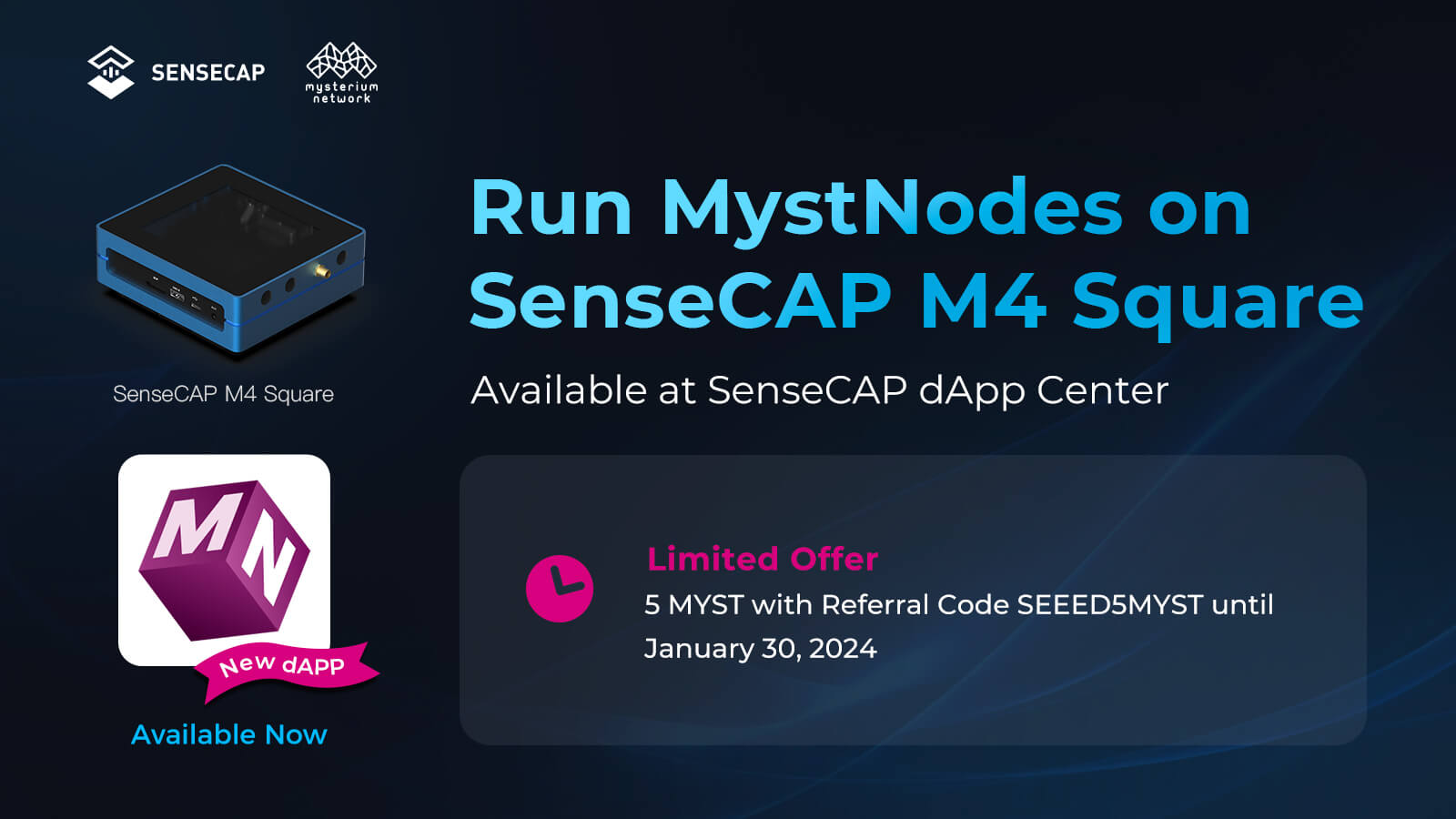
MystNodes are the cornerstone of Mysterium’s decentralized VPN network. SenseCAP M4 and M1 support MystNodes that contribute unused bandwidth, enabling users to connect to the internet securely and privately while earning rewards.

Explore compatible hardware
NETWORK SOLUTIONS

Scalable Solutions for Every Network

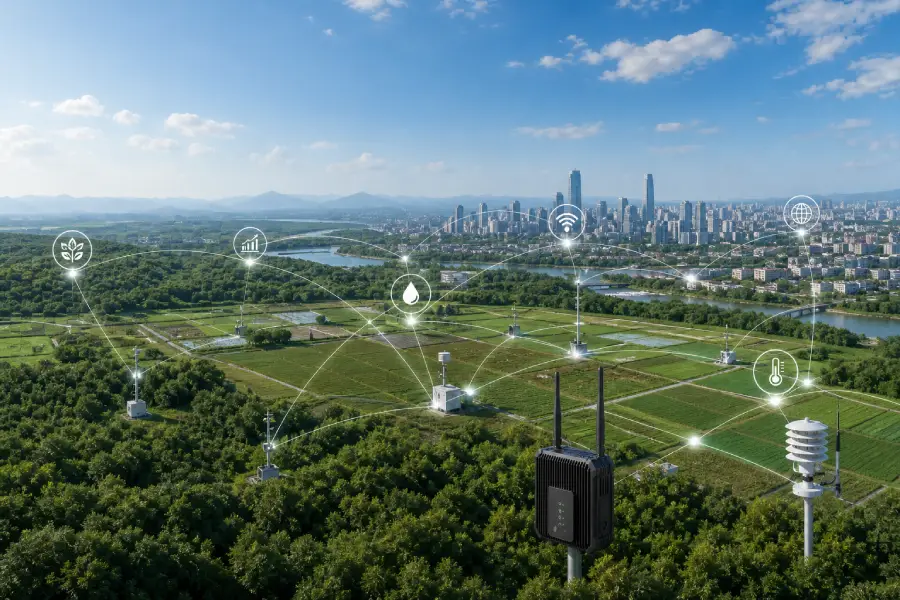
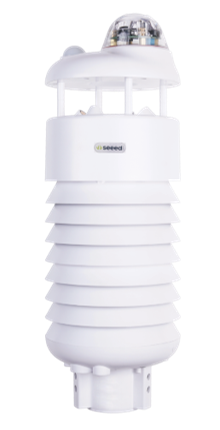
From gateways to sensors, build reliable connected infrastructure for agriculture, buildings, remote monitoring and decentralized IoT deployments.

Explore Solutions
Connected IoT network across real-world locations
GET STARTED

Simple Steps to Deploy

  1. 1Choose compatible gateway and sensors
  2. 2Confirm frequency region and connectivity
  3. 3Install, connect and manage your deployment
DEVICE SUPPORT

Resources for Every Deployment

Review specifications and installation requirements before ordering, then use the support tools available for your device.

CONNECTED INFRASTRUCTURE

Ready to Build Your IoT Network?

Choose compatible hardware and start building a reliable connected deployment.

Shop Now →
IMPORTANT QUESTIONS

Popular Questions Before You Order

Quick answers selected from our IoT knowledge center.

Which LoRaWAN frequency should I choose for my country?+

Choose only the regional frequency plan permitted where the device will operate, such as EU868, US915, AU915, AS923, AS923-JP, KR920 or IN865. Confirm local regulation and network compatibility before purchase; the shipping country alone is not always enough.

What is the difference between a gateway, sensor and data logger?+

A sensor measures a physical condition. A data logger reads and packages data from connected sensors or interfaces. A gateway receives LoRaWAN radio packets and forwards them to a network server through Ethernet, Wi-Fi or cellular backhaul.

Which networks and ecosystems are supported?+

Support is model-specific and is shown in the Product Profile. Available products may support Helium IoT, SenseCAP, Loriot, The Things Network, ChirpStack, private LoRaWAN, Flux, Mysterium or other listed platforms. A store badge is not a substitute for the exact product specification.

How do I connect and activate my device?+

Use the model-specific manual. Typical steps include installing the antenna, connecting approved power and backhaul, using Bluetooth or the local dashboard for setup, selecting the correct region, adding network credentials and confirming that the device reports online.

What is covered by the hardware warranty?+

Eligible manufacturing defects are covered after diagnosis and inspection. The remedy may be repair, an eligible part, replacement or another remedy under the Repair Policy and After-Sales Terms.

Which mobile app or dashboard should I use?+

Use the app or dashboard named in the product manual, such as the SenseCAP Hotspot App or a supported network platform. Download software only from the official provider link and confirm that it supports the exact model.

View all customer questions →